
There are some basic terms that ever graphic designer and illustrator should be aware of: trim, live area, bleed, and gutter. If you design a book or magazine these things are talked about quite a bit. If you are teaching graphic design or illustration these terms help students how to build their work to the correct size for publishing.
Month: June 2020
IPEVO Visualizer Software
I finally finished this video that shows you a basic overview of using the IPEVO Cam and their Visualizer Software. I used this quite a bit for teaching my classes.
Gesture Drawing
I made a video of how to get more gesture in your drawing, so your figures are so stiff when you draw them. I have problems with it in my own artwork. This video shows what I did to improve it. Happy teaching and drawing.
4.03 Josh Cleland Freelance Illustrator


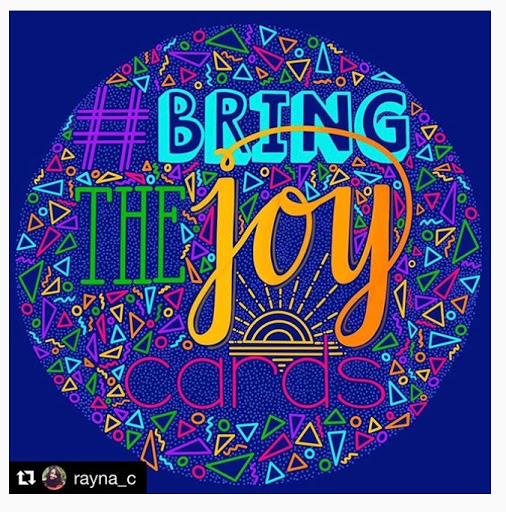

I had the pleasure of interviewing Josh Cleland a freelance illustrator based out of Portland, Oregan. Here is a little bit about Josh. Since 2009 I’ve been creating high-quality, fun illustrations for clients all over the world including Highlights for Children magazine, Storytime magazine, Pinterest, and Wieden & Kennedy. My whimsical illustrations can be found in picture books, billboards, iOS apps, album covers, websites, my parents’ fridge, posters, newsletters, animations and more.
To see more of his work visit.
www.joshcleland.com/
www.facebook.com/ClelandIllustration/
twitter.com/joshcleland
www.instagram.com/joshcleland/ Listen at My Creative Life. Thanks for listening and please subscribe!
www.facebook.com/ClelandIllustration/
twitter.com/joshcleland
www.instagram.com/joshcleland/ Listen at My Creative Life. Thanks for listening and please subscribe!
What is trim, live area, bleed, and gutter for illustrators and designers.
I noticed in the FB group I’m in that there were some questions about this. It’s relevant to know these terms: trim, bleed, live area, and gutter. It’s really important as an illustrator that you provide your client with the correct file size. I created this video to help explain the terms.
4.02 Kimberly Kaiser, Artist, and Art Teacher
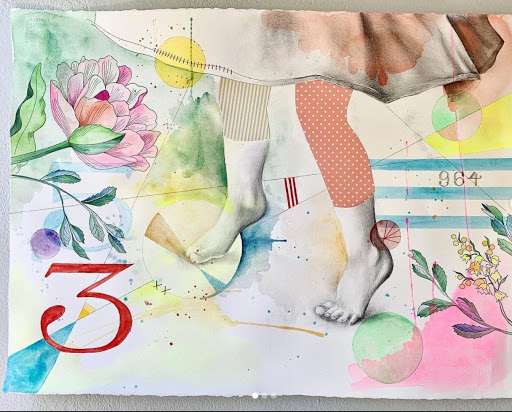
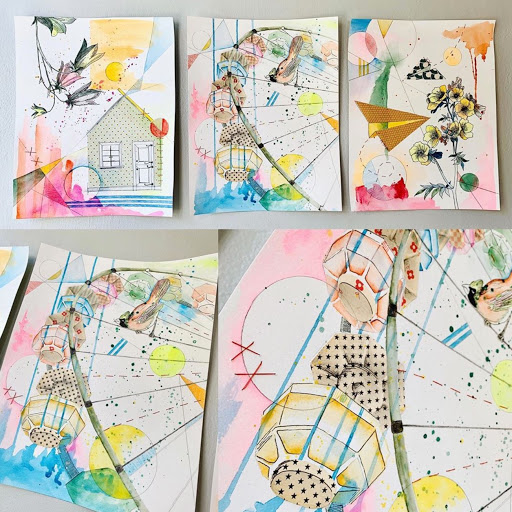
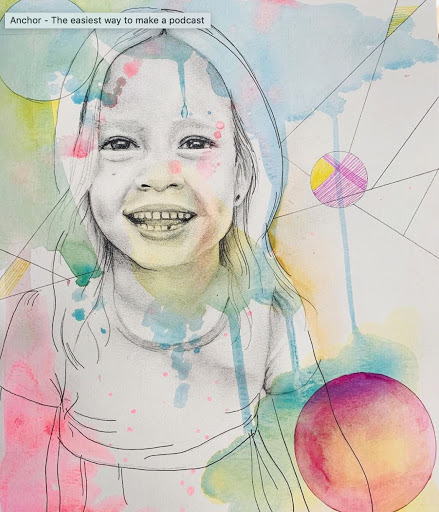
Hi all, I talked with Kimberly Kaiser about her lovely mixed media pieces she has been posting on her Instagram. Love how she captures childhood. She is a mother, artist, and educator. To see more of her art on Instagram @kimberlykaiserart.
Listen to the interview at My Creative Life.
4.01 Courtney Mayo, Surface Designer


I was so excited to have Courtney on this episode. I’m on season 4. She is an amazing surface designer and freelance illustrator that did her BFA and MFA at the Savannah College of Art and Design. Here is a bit about Courtney.
I’m a freelance artist and illustrator with a fondness for cats, cake, reading, and good design. My illustrations are primarily digital, but I try to incorporate traditional textures into my vector work and I still enjoy sketching and painting as a way to step away from my computer on occasion! When not drawing, you can usually find me trying to cook, curled up with a good book, or off exploring the world.
Clients include American Greetings, IG Design Group, Design House Greetings, SCAD, Air Bnb, and Great Arrow Graphics. Look for my designs at Dollar Tree, Target, Walmart, TJ Maxx, Wegman’s, Trader Joe’s and Family Dollar!
See her work on her website
Listen to the interview at My Creative Life.
Thanks for listening!
3.13 Penny Weber, Children’s Book Illustrator
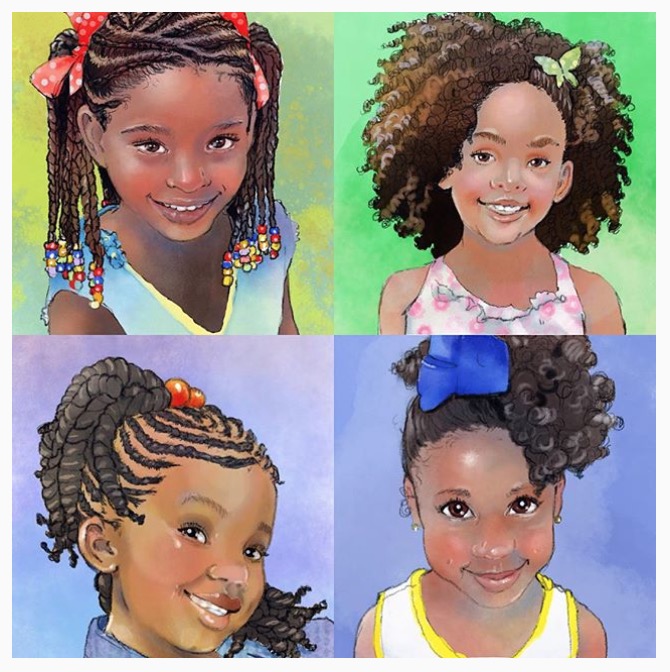


In this episode of My Creative Life, I had the opportunity to speak with Penny Weber a children’s book illustrator in NY. Here is a little bit about Penny. Penny Weber is a full-time artist and illustrator from Long Island, New York, where she’s lived all of her life. She works both digitally and traditionally in acrylics and watercolors. Penny attended classes at the School of Visual Arts in New York. Over the years she has worked in residential murals, greeting cards, and she still offers portraits, caricatures, and pet portraits to independent clients. In 2007, Penny turned her attention to children’s book illustration and quickly signed with Wendy Mays and Janice Onken to be represented by WendyLynn & Company. Since then Penny has illustrated many books, including the Chris P. Bacon series for Hay House Publishers. Some of Penny’s other clients are McGraw Hill Education, Seed Learning, Tilbury House, and Learning A-Z. Penny is proud to boast that she has NEVER missed a deadline. She has a husband, three children, a cat, and she is heavily lobbying for a puppy!
To see Penny’s work visit http://pennyweberart.com/
Listen to the interview on My Creative Life.
How to turn your Photoshop Illustration into an animation in Adobe After Effects CC 2020

I worked on going over some of the simple basics of animating a layered Photoshop CC file in After Effects. Super basic. I’m including my layered Photoshop file that you can download and try to follow along with the video tutorial. The file is a PDF but if you open it in Photoshop CC you can resave it as a PSD native file and then import it into After Effects. Good Luck!
Here is a link to the MerMay PDF file. I dropped the resolution and file size down for easier download.
 Mrs. Miller - Messy Art Teacher Blog