Hi Everyone! Summer is in the swing of things. I’ve been busy doing artist visits, and summer camps this year. I have been working hard to also get my freelance illustration career going.
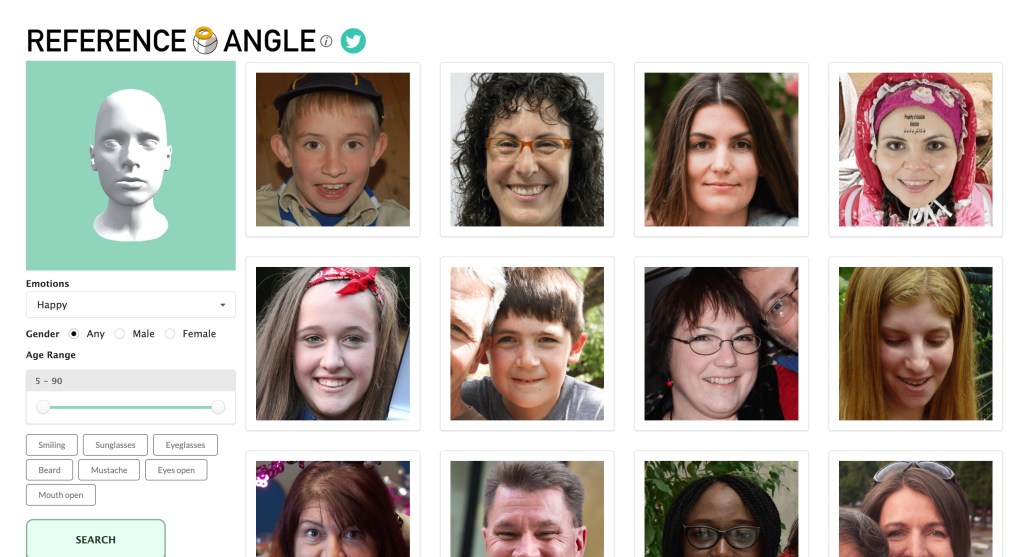
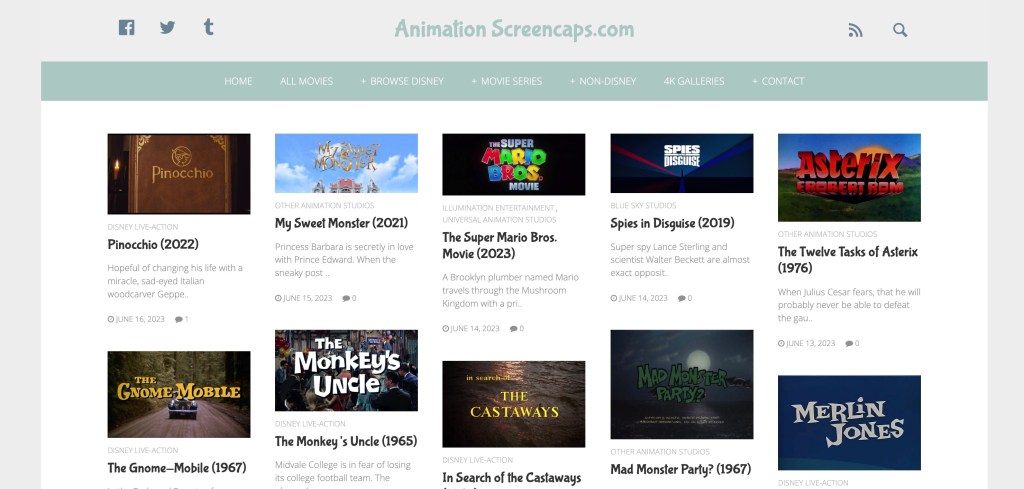
I wanted to share some helpful resources that another illustrator posted on their Instagram their handle is anngee.foote.creations and I found some extra ones for color I wanted to share.
I find that it’s great to get some jumping points to start by collecting a library of visuals. Then I can look and curate things based on the needs of the visual story I want to tell. If I need things to be an emotional dark scene in the children’s book how have other medias forms created that feeling?
I hope these resources help!
Happy Creating!
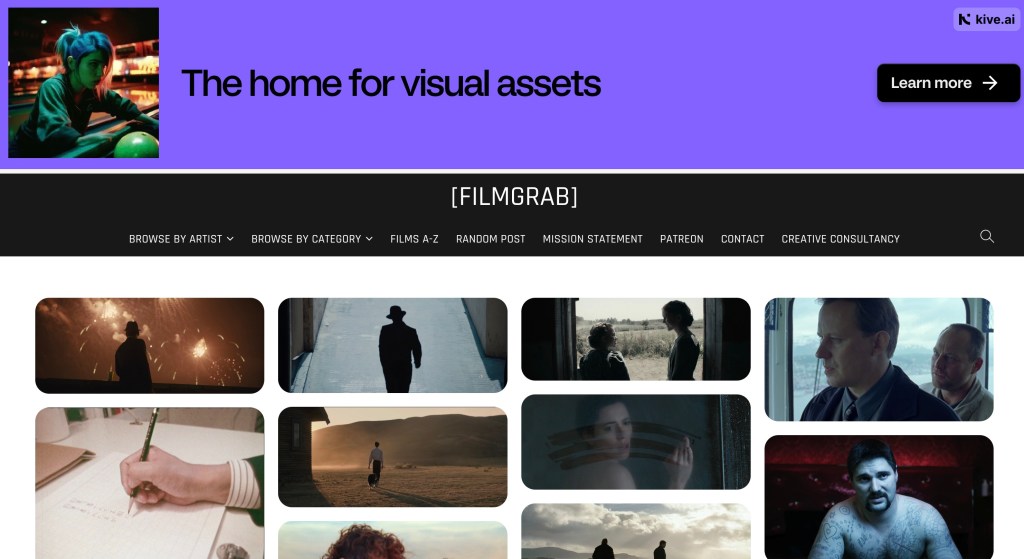
Film Grab had some great compositional shots for you to look at for ideas. There is a long list of films and you can sort by the creators. I thought what a great site for compositions, color, and light studies!
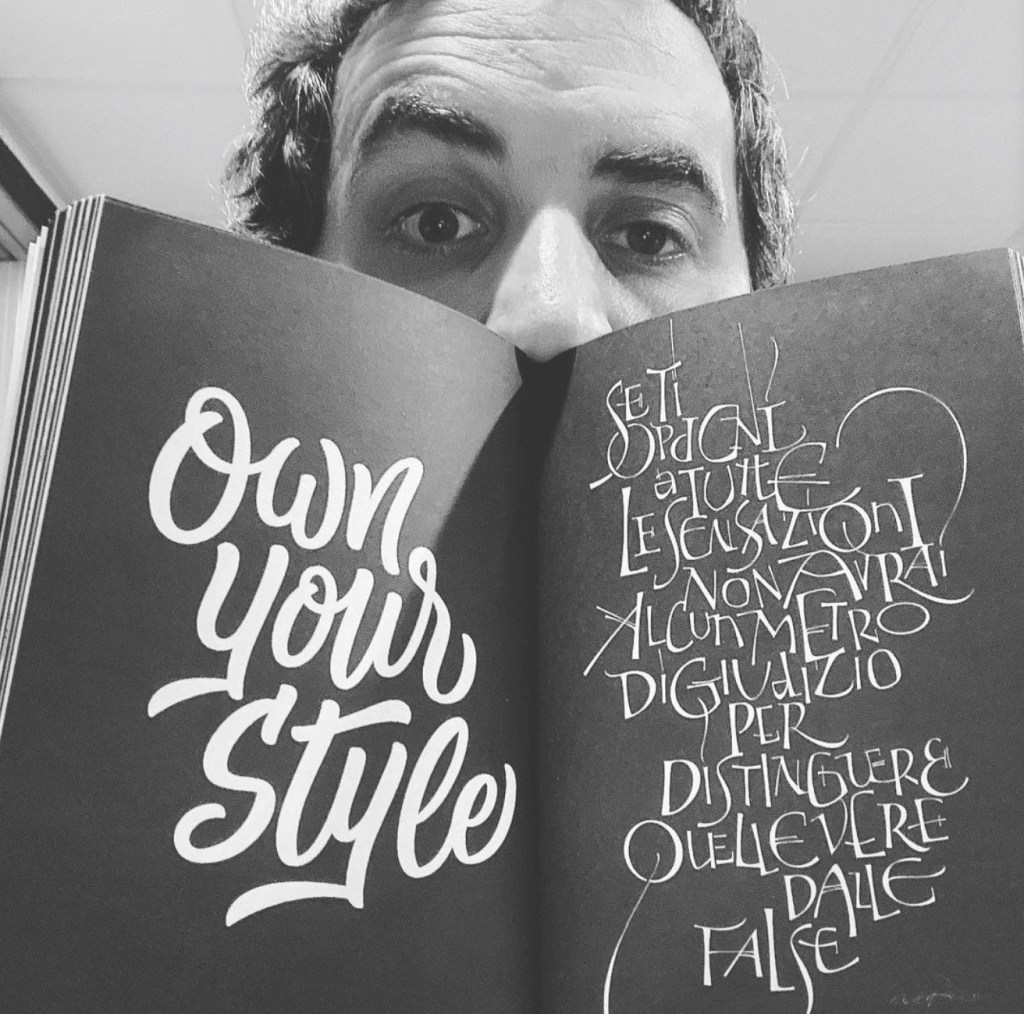
It’s great to have Nikita back. He was a guest during my earlier seasons. This is an update about his life and a teacher and graphic designer during these crazy times. Here is a bit about Nikita.Nikita is an NYC-based lettering artist, graphic designer, and design professor. His minimalist style reflects an admiration for work such as pure marks by Stefan Kanchev and beautiful typography of Doyald Young. As one happy client put it, ‘his work is conceptual, clean, and the reasoning behind every design decision is crystal clear.’ Focusing mainly on logotypes and lettering, Nikita has worked on a variety of design projects for local and international clients. He is an ambigram expert that has taught several ambigram workshops–in addition to having written a book about ambigrams. Nikita’s work has been featured in multiple design books and websites.His love of bad puns and jokes is second only to his love of type. To pass the time between projects, he reads, scuba dives, skydives, wingwalks, skis (not very gracefully), and travels. He thinks that writing about himself in third person is a bit strange, but he has gotten used to it.
Here is a written version of his response from the interview.
1. Reminder for the audience tell us bit about yourself? I am a lettering artist, graphic designer, and design teacher residing in NYC. With a strong focus on typography, I have worked for a variety of clients, ranging from small independent businesses to Fortune 500 companies. I have conducted workshops for several universities, AIGA, and Typism Conference, as well as being a featured keynote speaker for the latter. I am also an ambigram expert who has written a book about ambigrams, and my design work has been featured in multiple books and has been honored with several industry awards.
2. How have things changed in your life as a graphic designer during pandemic? Has it affected getting freelance work? I haven’t really focused on much freelance word, doing only a small one-off project or two during the pandemic. Teaching has taken up quite a bit of my time, and I like the flexibility of working on personal projects rather than meeting client deadlines in my spare time.
3. How have things changed as a professor during pandemic? As a professor/design teacher, everything has shifted to remote teaching for now. We use tools such as Zoom, Notion, Slack, and Canvas as a replacement for in-classroom interaction, grading, and communication with the students. Although nothing can replace a true in-classroom experience, we try to keep it similar as possible.
4. Where are the cool kids (designers and illustrators) showcasing their work these days as far as portfolio sites to get work? Behance, Instagram, Working-Not-Working, and a few other websites. There are some Instagram accounts that focus on lettering, branding, typeface design, illustration, and other niches of the creative industry. Those are also a good place to showcase your work.
5. How was the speaking engagement in Australia since we last spoke? The engagement was fantastic! It was one of the best experiences of my life as a designer – I’ve connected with a lot of old friends that I’ve only been able to communicate with online, made some new contacts, and was able to travel Australia for almost 3 weeks after the conference. It was a trip of a lifetime – that I plan to repeat again soon!
6. What are you currently working on? Are there any future events you’ll be speaking at? Currently, just personal lettering projects, design work, and laser-cutting various creations out of wood and plastic – a new obsession.
7. How are you managing work/life balance during the pandemic? I’ve been relatively consistent in terms of disconnecting after work and keeping fit – working out at home, playing tennis, or going for distanced outdoor hikes. It has helped keep my sanity and health!
8. How do you stay creative during a time like this? I’ve actually allowed myself to be less creative and not force it. During ‘normal’ times, I’ve tried to do an ambigram or a piece of lettering almost every day. Now, during these latest times, I allow myself to not create something every day, and taking that pressure off myself has allowed me to be more productive and creative when I need to be.
9. Where can people see more of your work? My work can be found at nikitaprokhorov.com, and instagram.com/typebynikita for more experiments, weekly lettering, and illustrations.
10. Some of my guest say they would like to teach at the college level. What advice would you give them to get hired for the job? Also are there more online options for professors and teaching. I would say that most colleges in the United States require an MA or MFA from an accredited school. So, if you have the time/money to get an advanced degree, I say – why not? It will set you up for the future if you decide to teach, and if you decide not to, you will still have an advanced degree that you can put to good use as a designer, even if you never become a professor. There are also some programs that don’t require you to have an advanced degree to teach. I teach at a school like that currently (Shillington), and I’ve seen first hand that it’s not always about the name of the school you attend or teach at – all that really matters is the desire to succeed as a designer, hard work, and everything else will fall into place.
I created this video because when I went to the art supply store I got so overwhelmed at the different types of handles and nibs that are offered for dip pens. This covers the basics of which nib fits with which handle. How to care for the nibs. I store my nibs and handle in an old plastic battery case from Radio Shack. It fits perfectly and it was free. Then I did a speed inking of a drawing of some characters. I purchased mine from Dick Blick.
My students even in elementary school loved using dip pens. I used to teach them calligraphy starting in 3rd grade after cursive was removed the curriculum. I told them you should be able to make your name distinctive like John Hancock. It leaves an impression. We talked briefly about how it was used in the past and tie it into social studies.
I’m on wordpress and noticed they updated somethings here. Hmm. Ok so I made a pop-up card and this was fun! I used to do pop-up cards with my elementary art students. I wished I had done this with my graphic students. This could be a great lesson for illustration, elementary art. With elementary grades you have to do templates. It’s really easy, and I made them from cardstock. If you have volume of kids that is the way I would do it. I had a limit to the copies I could print in elementary. It just depends on your situation. It’s challenging and you get to cut stuff up. Here’s a video on the process I came up with after doing research on pop-up book artists.
Here’s videos from Matthew Reinharts Youtube Channel. Can I say he is amazing at pop-ups. So complex and fun! He’s channel has really easily used templates and shorter videos for the young ones. If you are an art teacher or you have kids at home these are great to do.
I decided I need to speak with the art teacher that inspired two of my previous guests to pursue the arts for a career. I interviewed Bunyan Morris retired art teacher and artist based out of Statesboro. Here is a bit about Bunyan.
Bunyan Morris has over thirty years of experience as a visual artist and public school art educator. The majority of his teaching career was spent as a high school visual art teacher. In this position, he taught studio classes in painting, drawing, multi-media, ceramics, and Advanced Placement studio art. Throughout his career, he has created and studied art. “Recently, I have been experimenting with color to create nature-inspired non-objective paintings and wearable art. The images are automatic and come from my psyche. I work with the compositions so that the paintings can be viewed equally from all four directions. The wearable art objects evolved from the paintings.”
There are some basic terms that ever graphic designer and illustrator should be aware of: trim, live area, bleed, and gutter. If you design a book or magazine these things are talked about quite a bit. If you are teaching graphic design or illustration these terms help students how to build their work to the correct size for publishing.
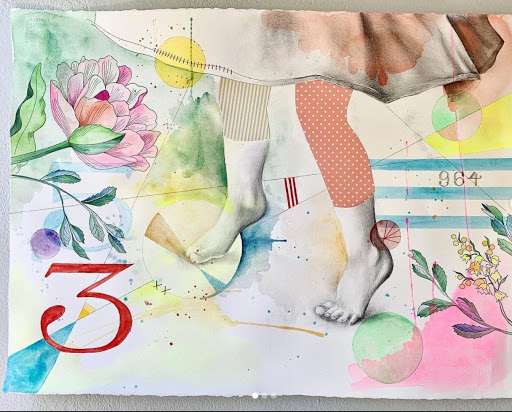
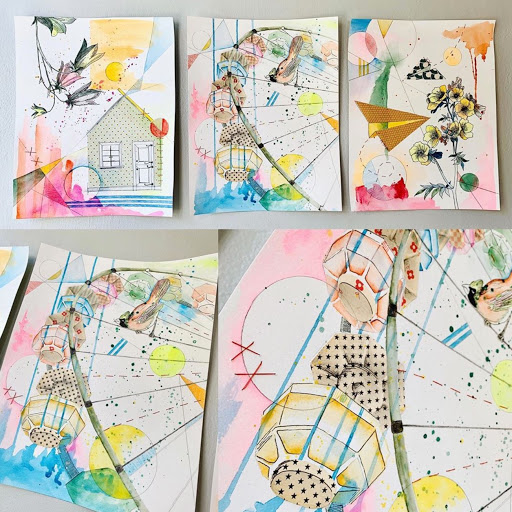
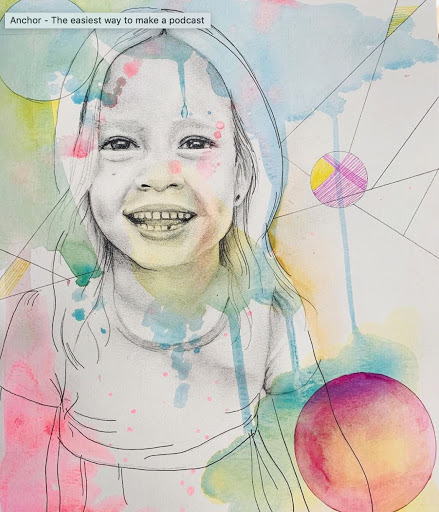
Hi all, I talked with Kimberly Kaiser about her lovely mixed media pieces she has been posting on her Instagram. Love how she captures childhood. She is a mother, artist, and educator. To see more of her art on Instagram @kimberlykaiserart.
If you have been tasked with continuing lessons for your graphic design students in high school this video covers some options that students can use online. You need internet access, works on Chromebooks, Mac or PC. Pixlr offers an app FREE for iPhone or Andriod. I’m going to post some options and tutorials based on these FREE browser-based options. Photopea.com Pixlr.com Canva.com Spark.Adobe.com. If you know of other please comment!
This is my plan for AUP for students and parents to sign when they are taking my class.
I would have students and parents read over and sign AUP contract for how they should use the internet during the course. This would help educate parents and students on the expectation of how devices and the internet should be used for the course.
The plan would encourage ethical behavior. Explain the consequences for the behavior. Students would understand what is considered fair use and copyrighted material. Places to go to learn how to cite and create a bibliography for papers. For art history, students would use Chicago/Turabian Citation.
Students would learn how to protect their privacy while online and communicating with others. Keep private information to themselves.
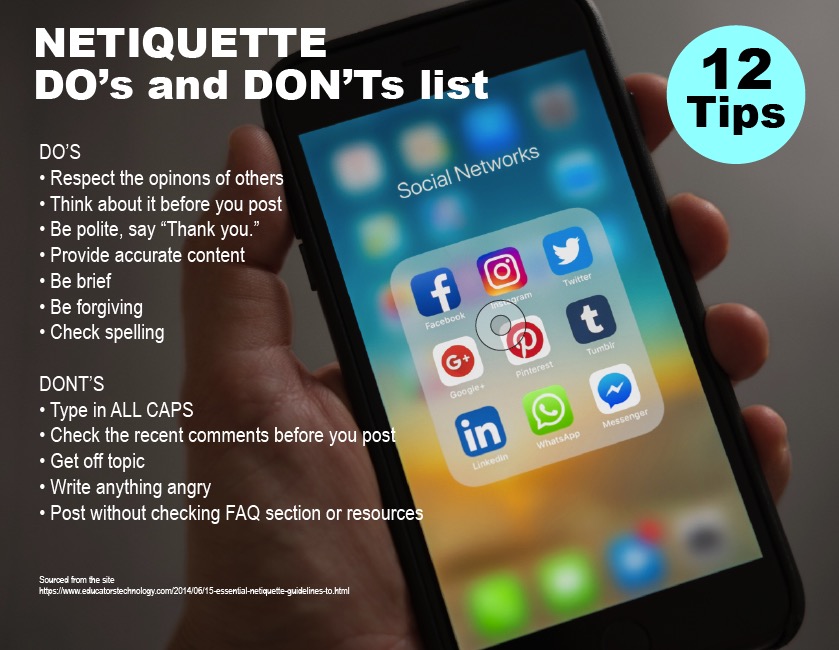
Students would learn how to show polite and correct behavior online. I think it is important for students to learn how to address each other in discussions and emails to one another.
Discourage online game playing and software piracy.
How can a DLC ensure that citizens within the community have access to an environment where an AUP protects members as well as the community itself, where individuals uphold laws, and a cooperative/collective venture provides robust, safe, and ethical resources and opportunities for learning?Providing students and parents with an outline of what is expected helps everyone know what is allowed and not allowed during the course. It gives students a framework to go by so they are in a safe learning environment online.
What is the best way to establish and maintain a flourishing DLC where citizens understand, observe, and are inclined to willingly support and ultimately benefit from Digital Rights and Responsibilities?I go over rules often. I think even with high school students a syllabus and class expectations are given at the beginning of the year they forget. I’ve done some quizizz to make it fun to go over my class rules. Reminders are a good thing, and also have the AUP posted in a prominent part of the online class would be helpful, so students can find it easily.
Describe the results of researching your level of access to digital resources. Then answer the following questions:
During my researching of my level of access to digital resources, I checked out my Fixed Broadband Deployment from the Federal Communications Commission. I do not have the greatest broadband speed for upload and download. It is the second slowest connection in the neighborhood. In the past, I have had to go to a nearby cafe to upload or download larger files for my content for my students. For online browsing or streaming, it has been fine, but if you are submitting larger files it can be time-consuming. I’m fortunate I can afford to drive and find a cafe, and I have a laptop that I can upload my files with.
1. What types of barriers might impede students’ opportunities to access digital learning?
When I taught in a low-income rural community the access to devices could be a problem. The county decided to go to one-to-one devices. Then the problem became that students didn’t all have access to the internet to do their school work at home. The county then provided hotspots on the buses that they stationed in those areas. Eventually, the buses were removed because they found there wasn’t enough use to justify the cost of it. I can see if you don’t have access to a device or the internet it can prevent you from doing the school work you have been assigned.
2. What might we do to eliminate such barriers?
As I mentioned above having device that they can use to connect to the internet is helpful. Most of my students had smartphones, but it would be hard to design or write an entire paper on it. Providing students with an iPad or Chromebook would be the first step. Then have a way for them to connect to a hotspot so they can access the internet. For students with disabilities having the appropriate apps installed on their devices could help them have things read aloud to them or provide them with alternate ways to understand the content they are learning.
Consider what would be needed to create an ideal digital learning community by investigating the information presented in this lesson.
What would be needed to bring an ideal learning community to fruition?
I’ve been pursuing my MFA from the Savannah College of Art and Design eLearning program. My degree will be in Illustration when I finish in the next year and half. The ideal learning community would have as much participation between all of the students and each other. There would be meetings times online via video conferences, online discussions, and chats. We had access to each others emails and I created a Microsoft 365 Group with everyone’s email in it. We would ask each other questions regarding the course that we might feel too intimidated to ask the professor. We could field questions away from the discussion boards.
There is, of course, the rule of three when posting. We had to post and reply to three others that had not received feedback on their artwork. Most everyone commented more than three times. This activity in the community helped rely on each other for feedback in addition to the professors. Each student has certain strengths in color, composition, concept, contrast, or craftsmanship we could all learn from. We would share additional resources. The professor would also provide draw overs on the students’ work see what improvements could be made. The professor also provided video/audio critique feedback, so we felt more like we were in a classroom with her.
What can one do to make an existing DLC more attractive to and welcoming for students and teachers? Spending time having students introduce themselves in a blog post. I think there has been participation amongst the students. That needs to be prompted by the instructor. The more that students engage online they more they feel comfortable about interacting with each other. If there is a way for students that can work in teams. I teach animation and have students work in teams of 2-3 students in a studio. The same idea can apply online. They would need to chat and discuss with each other and work together collaboratively online. Some students may prefer working alone, but I think having group projects can prompt more interaction and real-world applied arts applications. There are tools within Google Edu and Microsoft using Teams to create this type of environment.







 Mrs. Miller - Messy Art Teacher Blog