
If you are looking for more elementary art lesson and ideas. Visit my old blog.
Simply Art Lessons Blogspot
Category: Uncategorized
Old Blog Post Transfer
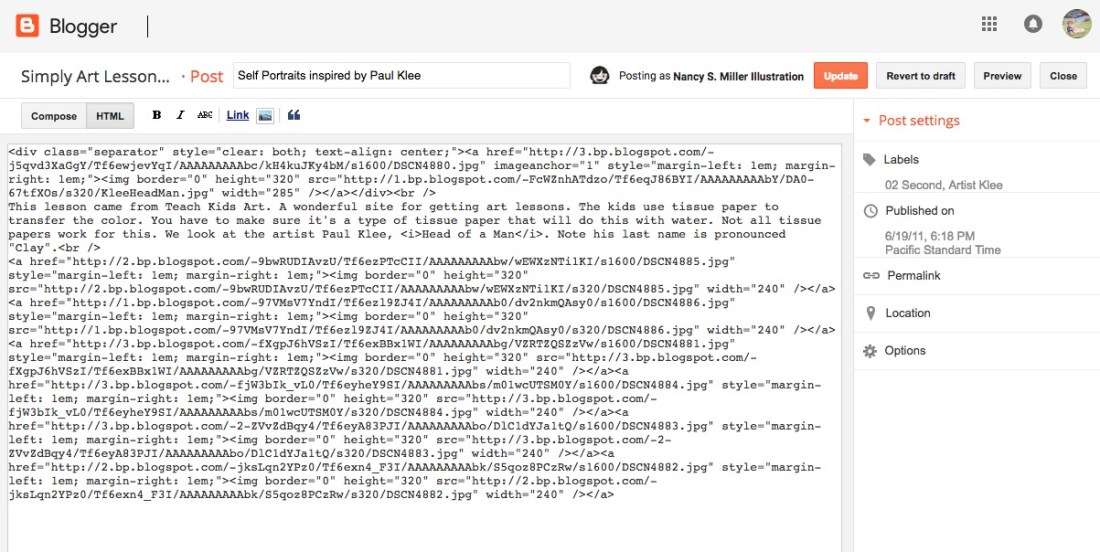 Prior to this blog I had a blogger site. I’m sad to say I moved away from it because I tend to prefer using wordpress.com. WordPress I like that I can auto publish to my Facebook page. The interface for using wordpress is easier. That just me. I’m going to migrate my more popular lessons to this new site. The easy why I’m finding to do this is switch to the HTML view in a post from Blogger. Copy & Paste it into WordPress in HTML view. Easy peasy.
Dog Park Coloring Sheet
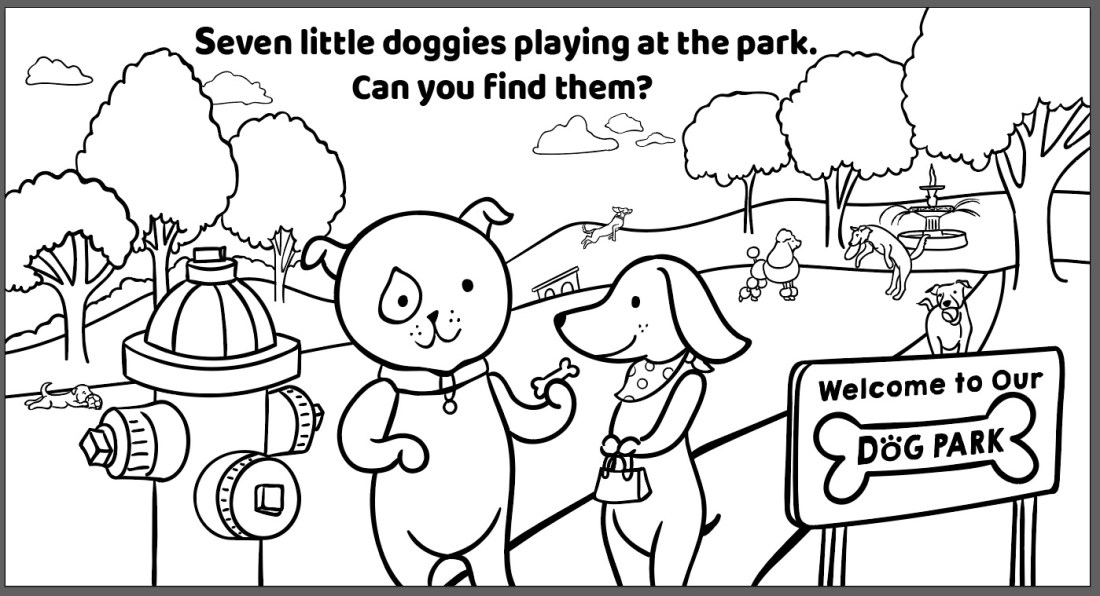 I purchased a wacom cintiq pro 16″. I’m thrilled with it. I now have a full digital workflow. About time. I really needed to commit. I made a coloring sheet to celebrate my this happy occasion. First black and white illustration using my new cintiq and Adobe Illustrator.
Here is the PDF of it to download and use with your little ones or students! I included a section for students to write about what is going on in the picture.
Budget Recording Video Lessons for Education
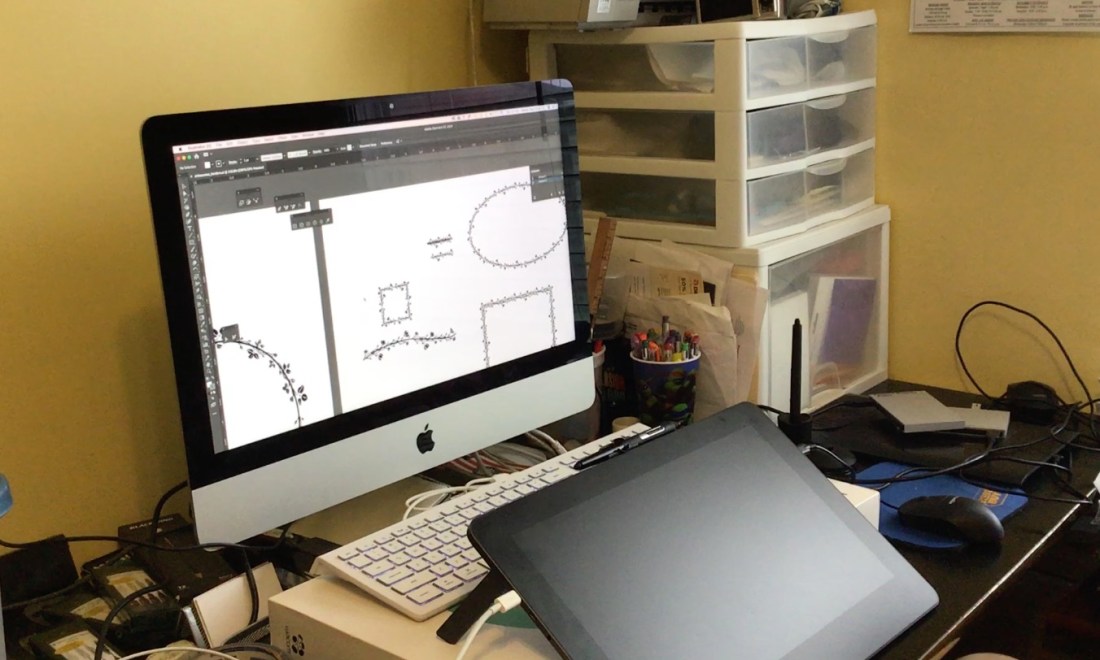 I had lunch with a dear teacher friend of mine the other day, at the IHOP. She is an amazing teacher and I consider my photography teacher mentor. I started teaching photography with graphic design this school year. She has been so encouraging and broadened my scope of photography knowledge. We were talking about recording lessons for how to use software with our high school students. I thought I’d share how I set up at home. Now everyone has a different set-up. I’m a Mac person at home. I do all my video creations at home.
I currently have an iMac 2015 and then I use the following software to help with the screen recording.
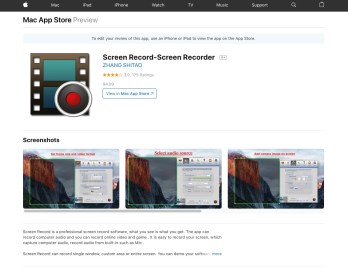
Screen Record-Screen Recorder if iTunes store – $4.99 I use this to screen record. You can also use Quicktime if you don’t want to spend the money. I’ve seen more expensive options like ScreenFlow for $99. Much more expensive option, but it does do that picture in picture, so if you want to show yourself talking while you are teaching that is an option. It also does video editing as well.
Key Castr – Free. Open source software. It will put on screen what keys I’m pressing. Super easy to use, and install on the Mac.
Adobe CC – $29.99. I originally paid $19.99 as a teacher. My previous school had the software on the laptop they gave me but I wanted it for commercial and educational use at home since I freelance. The 1st year you get the educational discount and the next year the jack up the price. With Adobe CC I’m using Adobe Premier to edit. I do have iMovie which is what I used to use.
Audacity – Audio recording. If I need to edit. I’ve also used Adobe Audition. Either one works. I started with Audacity first and it is free. Then I moved into used Adobe Audition. Some people will use Garage Band.
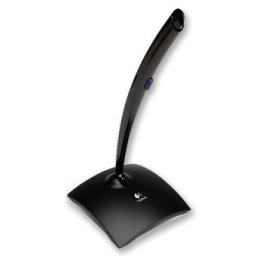 USB Logitech Microphone – $9.99. Not the best audio recording device, but it is better then using the just the desktop to record the audio.
I will start recording with the Screen Record-Screen Recorder app. Easy to use. I launch the app. You can add a logo and you can choose how to highlight your clicking action. I record at 30 FPS and full screen. You can click and drag a custom size if you need to. I also have to turn on the KeyCastr so it will show my keyboard clicks as I’m giving instruction.
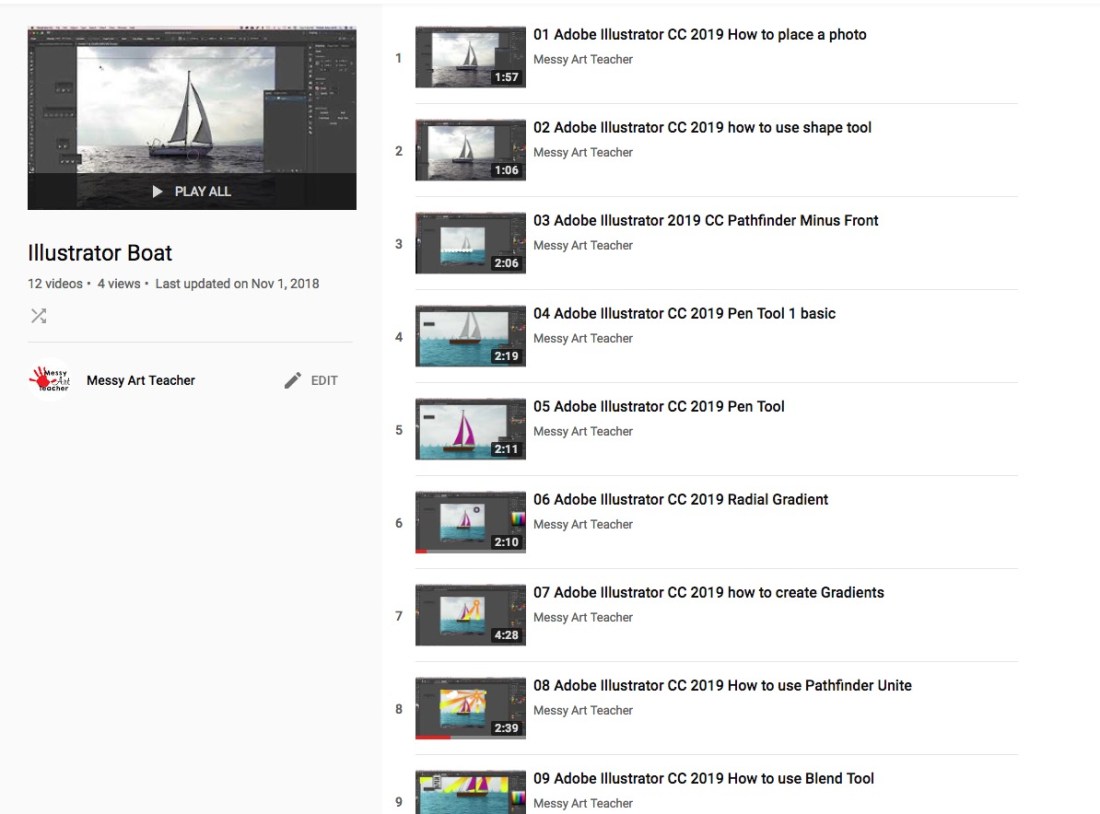
Once I’m done recording I stop the recording and it creates a MOV file. There is an option in the edit portion to select a different file format. Then I import into my video editor and then edit or speed up things, add my intro, fade-in and out. I export it then I will make a playlist in youtube for students to watch the videos in sequential order. I make a tinyurl for it and I post it in the system that we use for grading and showing assignments.
If I am making a video of myself I use my iPad 2018 to record. I owned a tripod and I purchased a holder for it. Yoassi iPad Tripod Mount Adapter works on standard tripod mount. It cost $13.99 when I bought it off of Amazon.
I could use airdrop or attach my iPad to my iMac to copy the files but I use a Scandisk 16GB iXand Flash Drive. It works faster.
If you have a high bandwidth for your internet go with that, mine is slow at home. I just try and avoid download and upload only when posting my videos. Once I login to my youtube account then I click on the video camera icon with the + symbol in it and upload my files. I set it for public. Once it starts uploading I select the playlist I want to add it to. Here is an example Boat Illustration playlist.
FYI, I don’t do affiliate marketing. Just sharing info if you want a budget way to make screen recording for educational purposes. I find it really helps with large groups of students. Even younger students in elementary liked the independence of watching my videos and doing the work at a center.
Merry Christmas from Messy Art Teacher!
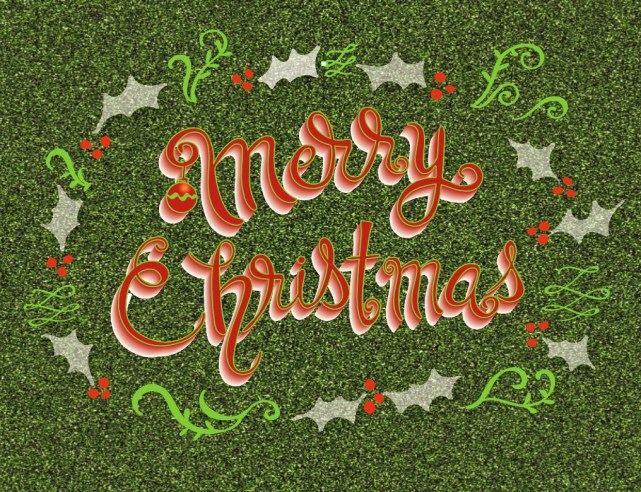
This is some hand lettering I worked on during my break. Trying to get a long list done during the break. Here is a PDF as a thank you to everyone for the support!
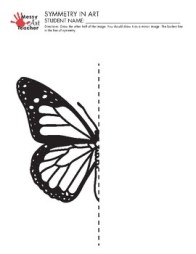
This is a PDF for symmetry/balance to use with your students. ButterlySymmetry for download. Enjoy!
Fontself Maker
I’ve been wanting to try and create my own fonts for a while. I decided to buy Fontself Maker. Why not because they have an education discount for teachers and students. You have to fill out the form on the website at Fontself.com
I was on a facebook group for Digital Media Teachers and I was super excited by watching the students design their own fonts. What better way to remember all the parts of a letterform. Besides redoing my kitchen… I’ll be creating my own font. What will it be script, san serif, serif, display, there are so many choices.
It was very easy to install so far and says that it works with newer version of Adobe Photoshop and Illustrator CC. Will keep you posted!
Wacom Cintiq Pro 16″ Drawing Tablets
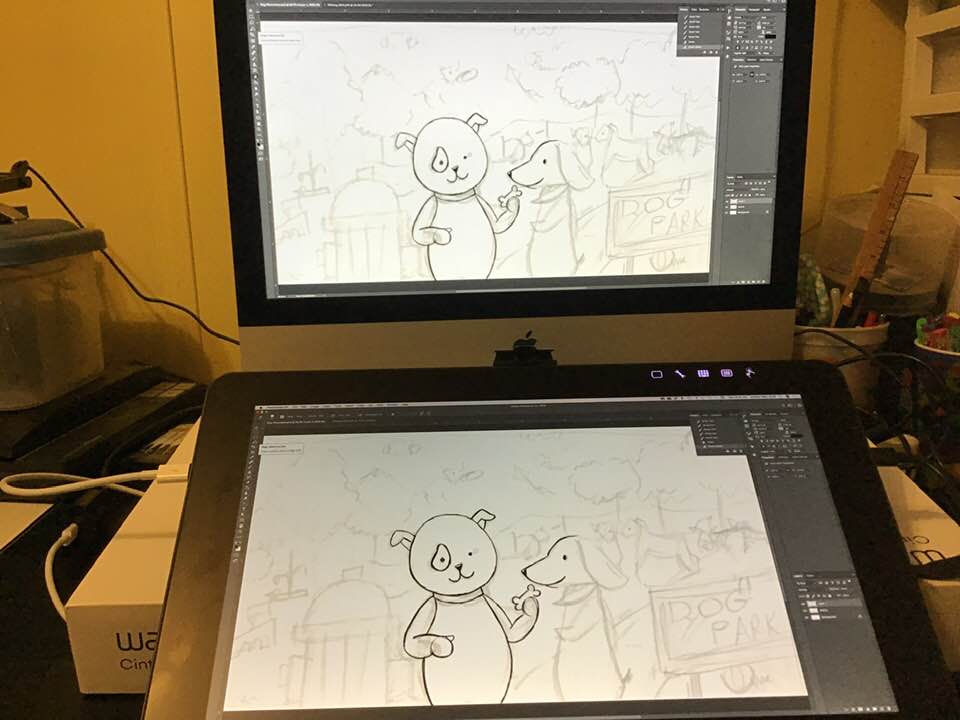
I got a wacom cintiq pro 16″. It is one of the best digital investments I’ve ever made. I’m super excited that I finally got this tool. I now have a completely digital workflow from beginning to send. I spent about 6 months researching different reviews to make sure this is what I wanted. There are other Chinese knock offs that had promising reviews, but I went with a brand I’ve used before. Prior to this purchase I’d owned a Wacom Bamboo & Wacom Intuos Pro. Then I purchased a iPad 2018 then I knew I wanted to get a tablet I could draw on full time. Another reason I went with wacom was that the drivers from the other manufacturers didn’t have the greatest reviews.
Here are the videos I watched in order to make my decision.
Game Design in Blender 3D


Blender is open source software that is free. I started using Blender about 1-1/2 yrs ago. I had to learn it to teach 3D modeling with my students. Last year was my first year teaching animation and game design. Here is a video that you can watch of my middle student’s video game. I’ve been giving him private lessons. He’s been working on it for 2 weeks on and off that his point. He still needs a game menu and directions for how to play the game. Student Game Video.
Classroom Management Worksheets
 I started teaching high school last year, and was given several ideas for dealing with classroom behavior. I posted them on my TPT for free. They is a behavior reflection worksheet and a student behavior contract. I used both of them with high school students. I don’t think it really gets students to think that hard on the behavior. I really used it to document their behavior. The students would write it down and then I would have a copy if I needed to address things with parents or administration. Save a teacher time from having to do the documenting. Feel free to check them out. Free to download.
For elementary school I posted art bucks that can be used for rewards.
TIP: Converter Sites for Youtube Videos
I read several reviews on software and sites that will take a link from Youtube and convert it to a downloadable file that is an MP4 or MP3 file. I was using 4K video downloader and sadly it no longer works for the students. I’ve tried uninstalling and reinstalling several times. It was quite the bummer. Digging around and then my students were using youtubemp3free.org. That site seems fine for audio MP3. I was concerned about having the computers getting popups and etc. So far so good. Then I was looking around for MP4 Files I came across youtubemp4.to that has been working fine and I haven’t had any odd pop-ups. I’m planning on using those 2 sites for my students to convert audio and video for our practice video edits in Adobe Premiere.
Freebie Download Grid Drawing Sheet
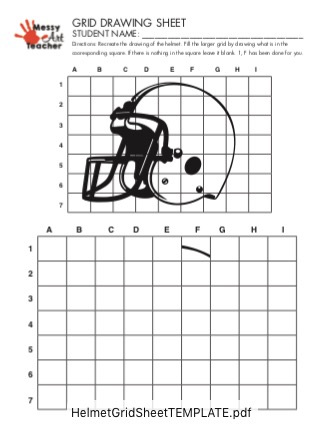
I’ve been quietly making lots of grid drawing worksheets on my TPT store. I wanted to post one here as a thank you to all the customers that have purchased from me on TPT. You should be able to get the free PDF download by clicking on the link. HelmetGridSheetTEMPLATE
Thank you to all of you that have been supporting me on my journey to reach 100 items on my store. Currently at 66.
Simple Sketchbooks
I taught elementary art for 8 yrs. It was always on a tight budget. GA art standards want students to sketch and plan out their work. I wanted students to keep their own record of their sketches in a sketchbook. I finally made a video on my Youtube channel on how to do that. Here is a link to How to Make a Sketchbook.
 Mrs. Miller - Messy Art Teacher Blog