Macbook PRO 2015 i7 Core, 16GB RAM, and 512GB SSD

Image result for macbook 2015

I purchased the macbook 2015 from ebay. It was a refurbished model, and I’ve been really enjoying it. I did a lot of reading of reviews. I didn’t want to purchase the newest version, because it was so costly for the SSD drive. I wanted at least 500 GB. I really wanted 1 TB, but that was going to be WAY TOO MUCH MONEY. My macbook 2015 runs pretty quickly and starts up fast. It does throttle and it gets hot. Overall I’m happy with my purchase. I love the trackpad! Feels great! I read the new macbook they were missing ports, and then issues with the keyboards. I spent $1120 for mine. It had Apple care included and I got Final Cut Pro. I will keep you posted on it continues to work.

Photoshop CC

Screen Shot 2019-05-10 at 9.35.21 PM

I just saw a youtube video by Brad Colbow on how Photoshop is raising their subscription rates.

I use Photoshop all of the time. Luckily I can afford the entire Creative Suite. I agree with the video content by Brad Colbow regarding how Adobe really hooked people on the lower subscription price and now they are raising their rates.

I’ve been hearing slowly that designers are trying Affinity Designer and some of their other products for their design work. I don’t think I’d be able to justify crossing over, but I’m thinking about paying for the software to try and see what it is like. At $19.99 it is reasonable, and you don’t have to do a subscription. Schools just don’t like the subscription model because they see that you have to upgrade and pay the cost every year.

I’m thinking about downloading and trying it. If anyone has tried it love to hear what they think of the software.

Georgia Southern University Cont. Edu

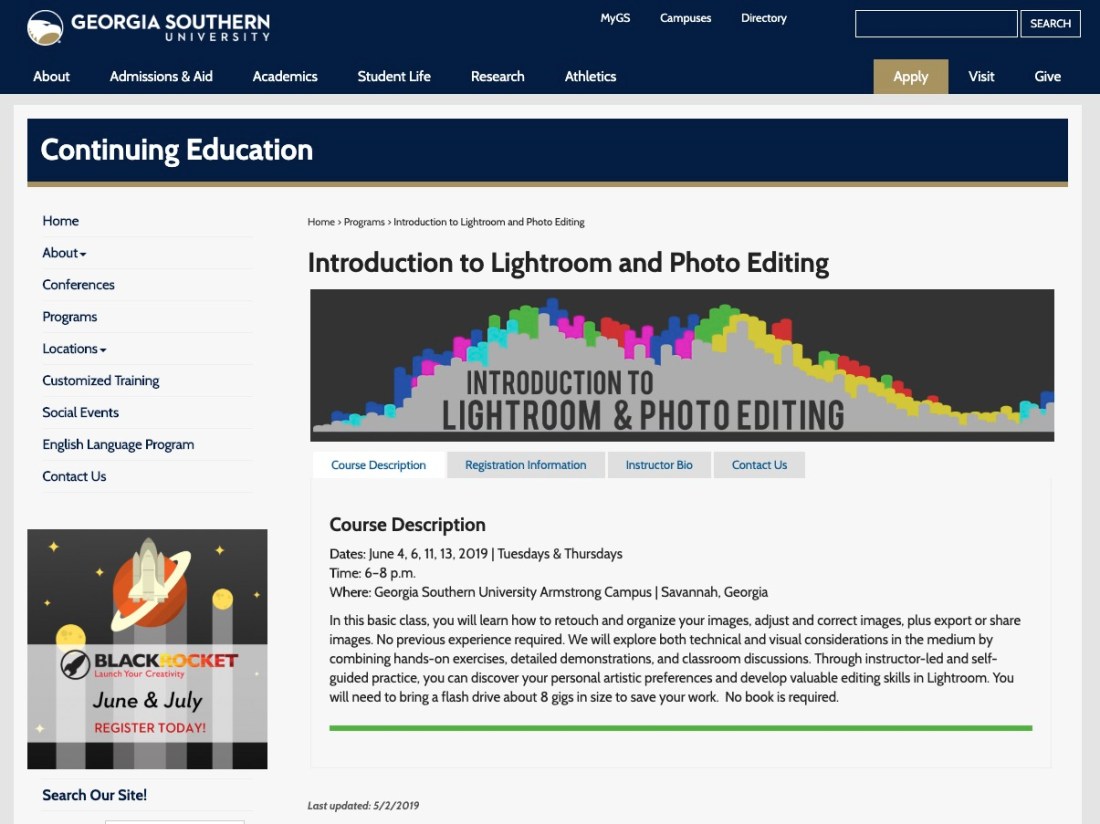
Screen Shot 2019-05-03 at 9.34.34 PMI’m excited to announce I’ll be teaching a Lightroom and Photoshop course in June for the Georgia Southern University Continuing Education Program. It’s a night class that runs twice a week for 2 weeks. I love teaching the night classes and enjoy spending time with students who are older. It’s been a wonderful experience.

Here is a link to the site for my class. Introduction to Lightroom and Photoshop.

After my high school classes are over I’ll be posting what I’m working on with my Lightroom and Photoshop course. Looking forward to it.

I’m also trying to get some work together for an art show Aug 1-31. Then I’ve got a workshop that I’m going to be teaching to art teachers about art and technology. I’m very excited about everything that is going on. Then I signed up for 3 graduate classes at SCAD. I’m back to trying to get my MFA in Illustration. I’ll be posting along as I go. I also started a Youtube channel for Nancy Miller Illustration.

I finally got a custom URL for my Messy Art Teacher Youtube channel. I’ve gone past 102,000 views.  http://youtube.com/c/MessyArtTeacher

This has been all the effort I’ve been making while working full time.

Dickblick.com

06_Canson_MixMedia

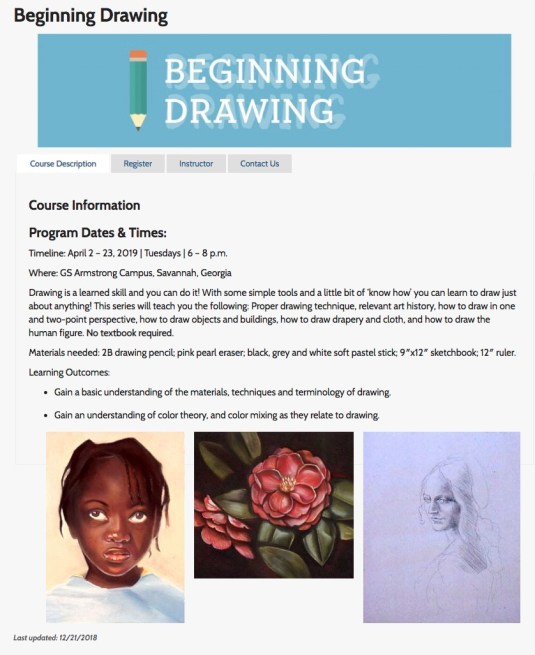
I’m not going to post lessons this week. I’m in a starting phase next week, and I would like to post some image as well when they are finished. I decided to make a purchase of some new art supplies. I’m teaching a beginning drawing class at Georgia Southern University for the Continuing Edu Classes at Night. They classes are 2 hrs long at once a week. I’m so looking forward to getting back to drawing classes. I do my work digitally now but I really enjoy drawing by hand. I feel like my Wacom Cintiq gets pretty close, but I still love pencil, pen & ink, and watercolor.

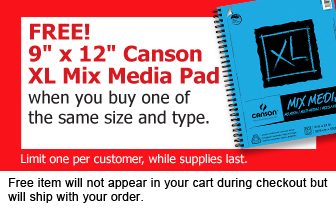
I noticed on the website when I was ordering they are doing BOGO’s depends on what you are ordering. I saw it for the Canson XL Mix Media Pads. I like these drawing pads a lot. Own a smaller one, and I use it for pen/ink, watercolor. It doesn’t bleed through. The paper is a strong cold press and has a nice tooth.

There are some Tombow pens that they are also doing a BOGO special when you buy a set. I decided not to get that. I’ll have to wait to invest in the Tombows. I’ve heard great things about their pens.

I will do a video unboxing and try some facebook live video feed when I get my purchase and also try to video record me unboxing everything using my digital camera. We’ll see how that video set up goes. I’ll tell you about the quality of the supplies I got. I think I’ll try and do a demo for the products on my instagram.

I’ve been seeing lots of social media ads for Arteza. I like the look of their products. Never used them, but their watercolor brush pens have been calling my name. Stay tuned for some art supply reviews. I miss working in traditional media.

Graphic Design wk 8

Screen Shot 2019-03-02 at 4.29.18 PM.jpg

Still working on the same project. I’ll be introducing some new photo projects. Taking photos of small people. I bought them originally on Amazon, but they were really small so pay attention to the ratio size. I ended up going to Hobby Lobby so I could see them.

Then they will also work on product photo shoot. Athletic energy drink. I have my photo booth that we will use to set up with props.

Animation Wk 8

Green screening project is still going on this week. They are due this week. I think it will be due at the end of class Friday. I still need to teach students how to mask themselves and adjust the settings of the mask to get a cleaner looking mask.  This is a good video for ideas for how to make your own green screen. I agree with the idea of having good lighting. It’s not exactly animation but it is fun to do.

Sam Time Green screen

I made a checklist of what they needed to record on the green screen.

  1. Video yourself flying. Using a stool.
  2. Video yourself falling. I had student even lay on the green screen.
  3. Video yourself trapped in a box.
  4. Video yourself lifting something heavy.

Those are just a few ideas.

Artivive APP

Screen Shot 2019-02-02 at 10.37.52 PM

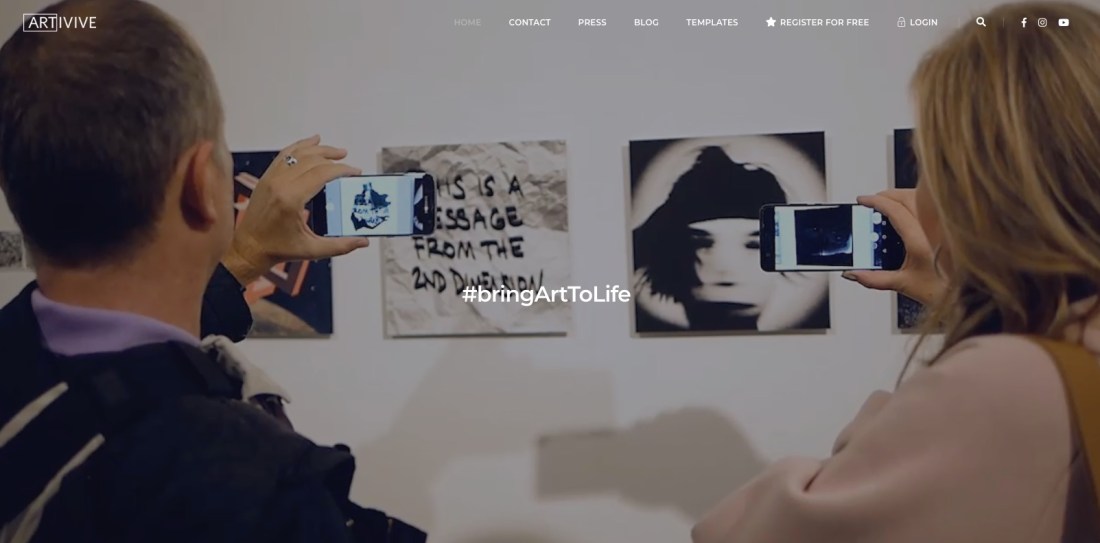
I’m super excited to try this with my animation class. I could do this with my graphics/photography class as well. About 4 months ago this app came out called Artivive. I think it takes art into a whole new realm. Animation and video bring a new dimension to the work. The app is available for android or iOS. Free!!! Every art teacher on a budget has got to love it. I’m thinking I’ve taught my animation students how to creating animations in Photoshop and then export as MP4 files. They we print out a frame from the animation then print out the symbol that activates the animation/video when you focus it with the app it plays. Sweet! Their animation will actually play on someone’s phone as long as they have the app. Also with my graphics/photography students we will make cinemagraphs. We print out a frame and then people can actually watch their cinemagraphs. How cool would that be? They are using this in major museums and galleries through out the world. #1 downloaded app in Singapore.


Astropad App

jmmwefasknpfbz4szpkyke-480-80

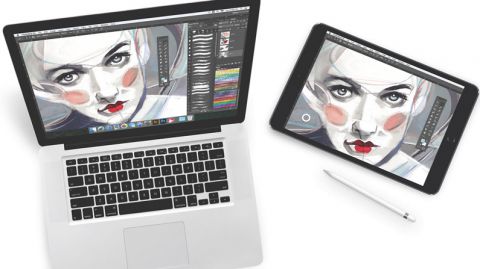
I purchased a Wacom Cintiqu Pro 16″ and it doesn’t disappoint. For $1500 it should be great. I love it, but I was doing more research and if you are on a budget for yourself or a classroom I’d suggest looking into the Astropad app. Many public schools have 1-to-1 iPads for their students. The app allows you to mirror on to you computer what you are doing on your iPad.  If you looking into purchasing the screen protectors that I’ve seen that mimic the feel of paper then you may have something that could really save you bucks. I honestly haven’t tried it but if you figure a 2018 iPad starts at $400 and then $100 for the apple pencil. The Astropad app costs $29.99. There is another app I read about called Duet Pro.  Then there is a company called PaperLike for the screen protector costs $29.

I’ve never used the products, but if you have a small budget and you want students to learn animation I really think it is MUCH easier using some type of screen they can draw on. It’s one thing if you are doing illustration. That is just 1 image. Animation requires multiple images and they you have to consider students are learning in more than 2 dimensions.  They have to understand the image height, width, and time.  Then if it is 3D you are looking at understanding height, width, depth, and time.  It saves time if you can just draw on the screen live.

I think the tech is getting more and more affordable. But as they say you pay for what you get. I’m glad that I went with the Wacom instead of another brand. I’ve always used Wacom for my design/illustration work. When working with a budget the above maybe something to consider. If anyone has used those products would love to hear your thoughts. I am thinking about purchasing PaperLike for my own iPad because nothing beats the feel of drawing on paper. I’ll let you know if I purchase it.