Animation Week 4

screen shot 2019-01-26 at 12.58.07 pm

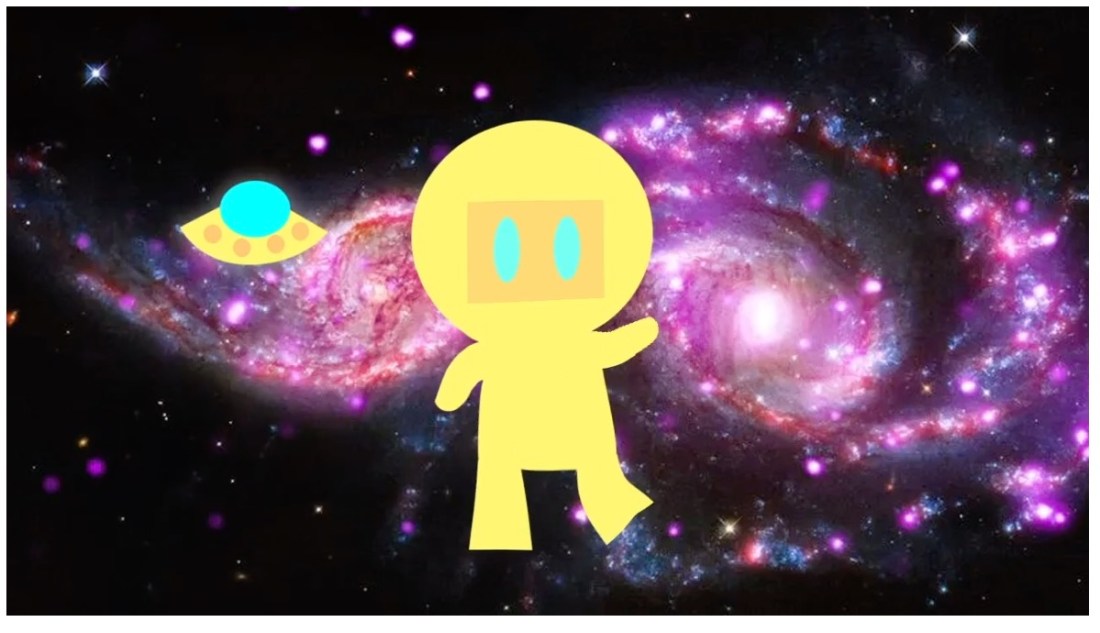
Audio, oh audio, where for thou audio. Finally got the students animations exported from Photoshop on Friday. They are learning Premiere and starting on post-production. We got a title, and transitions. Working on looking for audio on Monday. The rest of the week will Premiere skills and how to create an animation in Photoshop using the Puppet Warp feature. They have to get a photo of a boxer to box before they make their own. I made an animation Robot Dancer to the Safety Dance Song.
Screen Shot 2019-02-02 at 10.32.43 PM

I think there is a learning curve with using Premiere. Many students are used to good old iMovie and would prefer that. I like Premiere because you just have more control and better effects, etc. It’s a good step into then learning After Effects. I don’t think we’ll get to After Effect semester 1. I tried Adobe Rush at home, boy I didn’t care for it. It is easier than Premiere, but I felt like it is clunky in comparison to iMovie. Just a personal opinion. I’d rather just use Premiere, or I’m just used to Premiere and I’m being stubborn and don’t want to really learn it.

I was disappointed that Premiere no longer supports animated GIF.  I’d had my students make some GIF animations 1st semester and then Premiere stop supporting it. Like what? Oh well, moving with the times.

I’ve cut down the number of frames my students have to create. I decided 20 frames total and then they can loop it several times in Premiere. Building them up to a higher frame count. My poor students last semester I was giving them # of seconds, and it was a lot. Live and learn.
Animation Week 3

screen shot 2019-01-26 at 12.58.07 pm

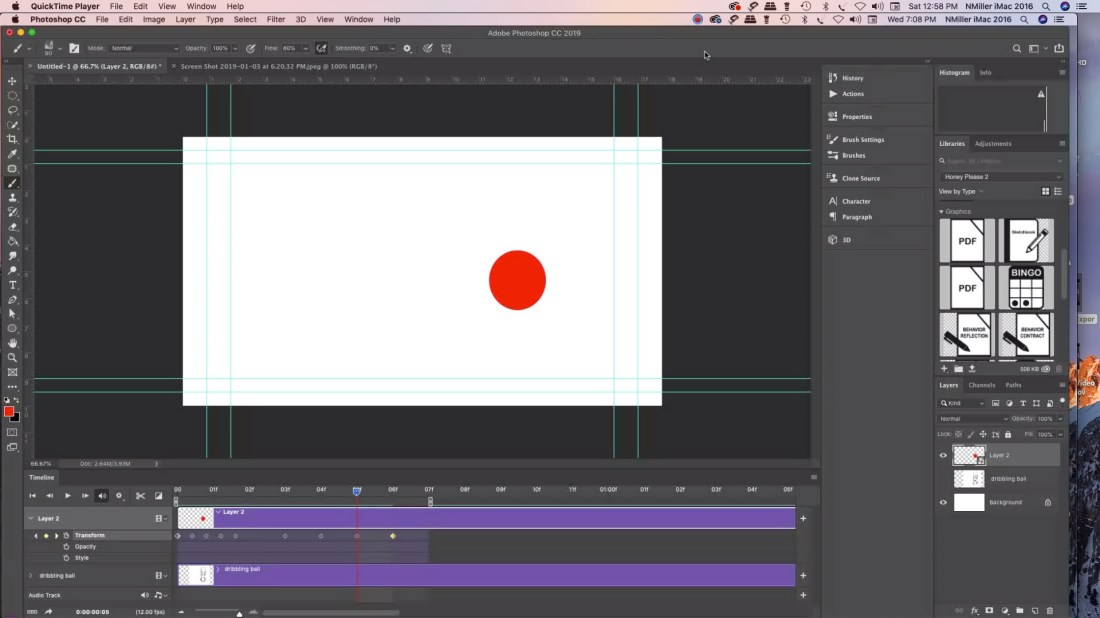
Students started creating their bouncing ball animations in Photoshop. Probably wondering why Photoshop (PS) instead of jumping into Animate or another program. I decided that even though it is limited for animation software you can teach students to animate in 3 ways. The big plus was that I wanted students to feel like they had a frame of reference for when we do switch over to other software. I’ve found that once we start post-production students may struggle with it. Also I think I’ve gotten better a teaching it. That probably helps as well.

Working in a PC lab there is no iMovie. My students tend to lean towards apple products. Nothing wrong with that I’m all Mac at home. iMovie is very easy to use, but has limited features. Adobe Premiere is more robust and you can do so much more with the editing. I prefer it. Then when you want to switch to After Effects I think it helps starting with PS.

Students had to animate a bouncing ball based off of Preston Blair’s Animated Ball sequence. That is all over online. A dribbling ball, and then a ball animated anyway they like.  Tuesday students will start learning post-production in Premiere. I think it will take a week. Well worth taking the time to learn and then students will feel more confident using the software.  As far as audio is concerned I’m just going to teach them how to find audio. Later we can learn foley work. I ordered a Blue Yeti for myself. Probably use Audacity. We have audition, but the more I read reviews most Youtubers are using Audacity. It is good enough for Marques Brownlee. Love his tech reviews.

I also think there will always be some students that prefer animating over postproduction. I’m one of them. It isn’t my favorite thing worry about audio/titles/transition etc. I’m pretty tired from all the drawing that I feel like it was a sprint to get that done. Really is a marathon. I think it will be interesting to see which students excel in areas that I’m weak at. Then they can teach me a thing or two.

Animation wk 1 & 2 (2019)

We worked on the beginner bouncing ball animation lesson. I had students use my bouncing ball worksheet as an introduction to the project. They used index cards and a bull clip to make a flip book. They had 17 frames for a ball moving across, 12 for a dribbling ball, and then 20 for an animation of a ball of their choice.

Here is the video link to my Student Example.

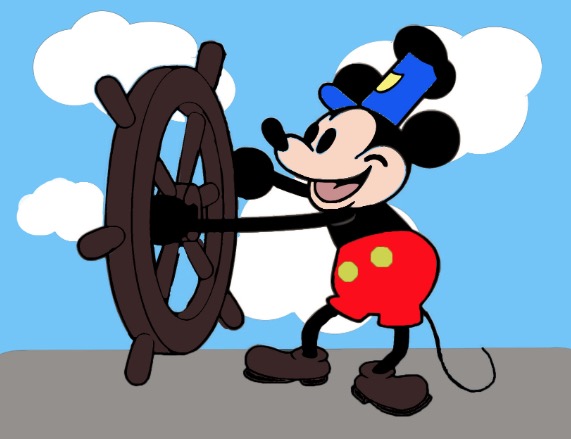
Next week we are going to take their bouncing all and then turn it into an animation in photoshop. They also recreated Steamboat Willie in Photoshop CC 2018.

Students learned how to use the paint bucket tool, brush, marquee tool, eraser, eye dropper, shape tool, workspaces, and restore tool bar, swatches panel, and layers panel.

screen shot 2019-01-19 at 9.37.35 pm

At the end of the week we did a drawing exercise. I have them draw circles then we did a step-by-step drawing of Mickey. I also had them watch a video from PBS American Experience Walt Disney. There is part 1 and part 2. We watched 30 min of it.

In my post for week 1 for Graphic Design we did the same thing getting their student email account set up and their email signature.  Then we went over Microsoft Teams, and One Drive. I call that housekeeping. You have to learn it in order to see/submit their assignments. Microsoft Teams acts as my LMS. I made the Microsoft Teams for Edu playlist on Youtube because I didn’t see much online. Of course every school is different. In my previous teaching jobs we used Google for Edu.