Fontself Maker

Screen Shot 2018-12-16 at 6.33.41 PM

I’ve been wanting to try and create my own fonts for a while. I decided to buy Fontself Maker. Why not because they have an education discount for teachers and students. You have to fill out the form on the website at Fontself.com

I was on a facebook group for Digital Media Teachers and I was super excited by watching the students design their own fonts. What better way to remember all the parts of a letterform.  Besides redoing my kitchen… I’ll be creating my own font. What will it be script, san serif, serif, display, there are so many choices.

It was very easy to install so far and says that it works with newer version of Adobe Photoshop and Illustrator CC.  Will keep you posted!

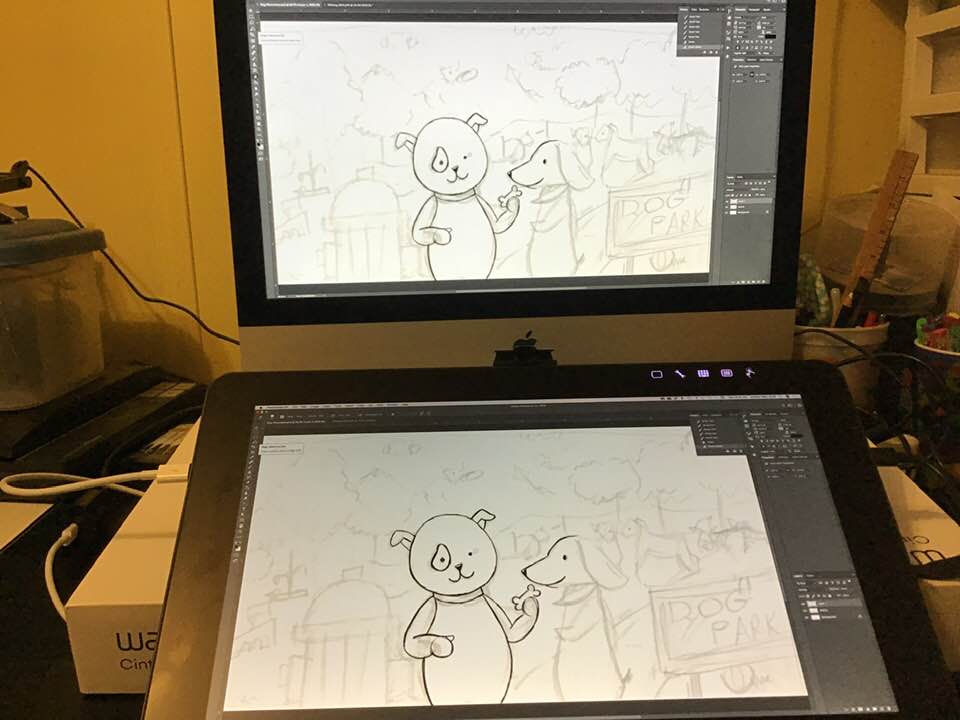
Wacom Cintiq Pro 16″ Drawing Tablets

I got a wacom cintiq pro 16″. It is one of the best digital investments I’ve ever made. I’m super excited that I finally got this tool. I now have a completely digital workflow from beginning to send. I spent about 6 months researching different reviews to make sure this is what I wanted. There are other Chinese knock offs that had promising reviews, but I went with a brand I’ve used before. Prior to this purchase I’d owned a Wacom Bamboo & Wacom Intuos Pro. Then I purchased a iPad 2018 then I knew I wanted to get a tablet I could draw on full time. Another reason I went with wacom was that the drivers from the other manufacturers didn’t have the greatest reviews.

Here are the videos I watched in order to make my decision.


Game Design in Blender 3D

Blender is open source software that is free. I started using Blender about 1-1/2 yrs ago. I had to learn it to teach 3D modeling with my students. Last year was my first year teaching animation and game design. Here is a video that you can watch of my middle student’s video game. I’ve been giving him private lessons. He’s been working on it for 2 weeks on and off that his point. He still needs a game menu and directions for how to play the game.  Student Game Video.


TIP: Converter Sites for Youtube Videos

I read several reviews on software and sites that will take a link from Youtube and convert it to a downloadable file that is an MP4 or MP3 file. I was using 4K video downloader and sadly it no longer works for the students. I’ve tried uninstalling and reinstalling several times. It was quite the bummer. Digging around and then my students were using youtubemp3free.org. That site seems fine for audio MP3. I was concerned about having the computers getting popups and etc. So far so good. Then I was looking around for MP4 Files  I came across youtubemp4.to that has been working fine and I haven’t had any odd pop-ups. I’m planning on using those 2 sites for my students to convert audio and video for our practice video edits in Adobe Premiere.

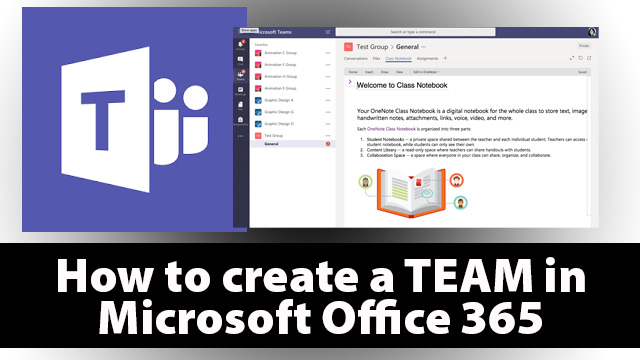
Microsoft Teams for Education

teamThumb

I’m going to start to use Microsoft Teams for Education with my students. It looks like google classroom. I’m hoping for good things to come from using it. I’m not happy with the OneDrive. Microsoft’s version of Google Drive. I don’t think it works as well, but it could also be that Google had does such a good job in being the mainstay for public school education. I teaching in private school and have started using Microsoft’s version. I’ll document how it works.

Here is a link to videos provided by Microsoft on the Teams.

Also here is my video on how to create a Microsoft Team for Teachers video.